Utilihive Console
The Utilihive Console is used to manage and monitor deployed flows. At a glance, it tracks the number of in-flight, processed, and failed messages, as shown in the following image:
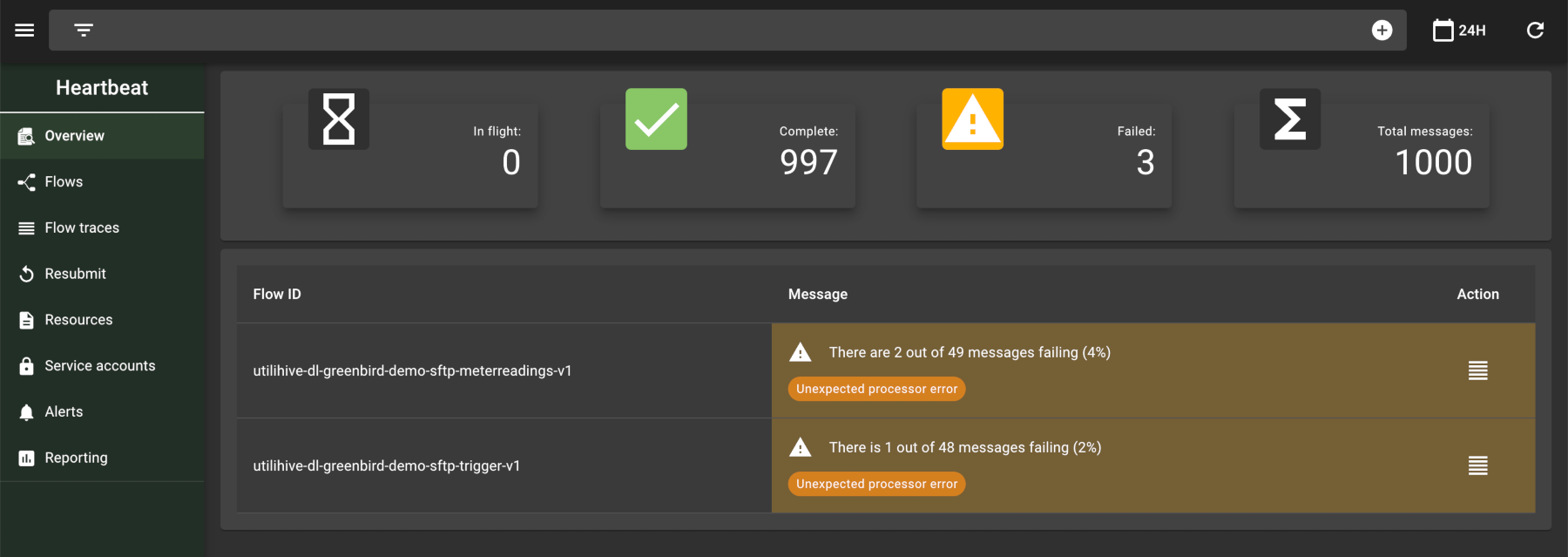
You can use this data to generate reports for a given time period. Utilihive also lets you trace messages passing through a flow and manage the credentials that can access a flow’s endpoints. The following image highlights the options available at the individual flow level:
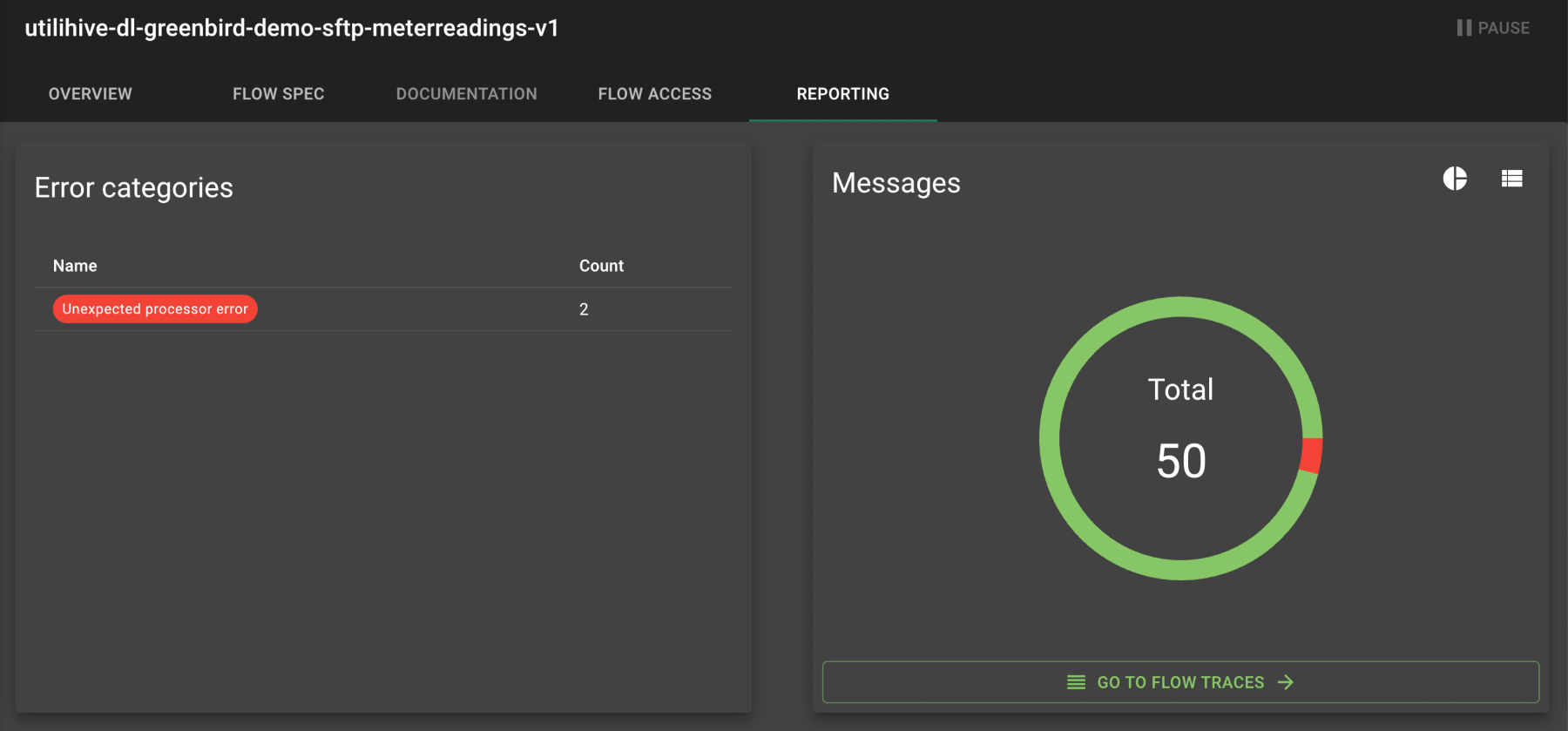
User Permissions
| Integration-level management tasks are only available to users with the correct permissions. See the Users documentation for more details. |
Environment Labels
The Utilihive Console displays the environment labels in the footer. These labels identify the environment you are currently working in.
The environment labels have two parts, name and context. To configure them, set ENVIRONMENT_NAME and ENVIRONMENT_CONTEXT in the env.js file.
The following image shows an example of the environment labels with name=PTE and context=test:

Datalake
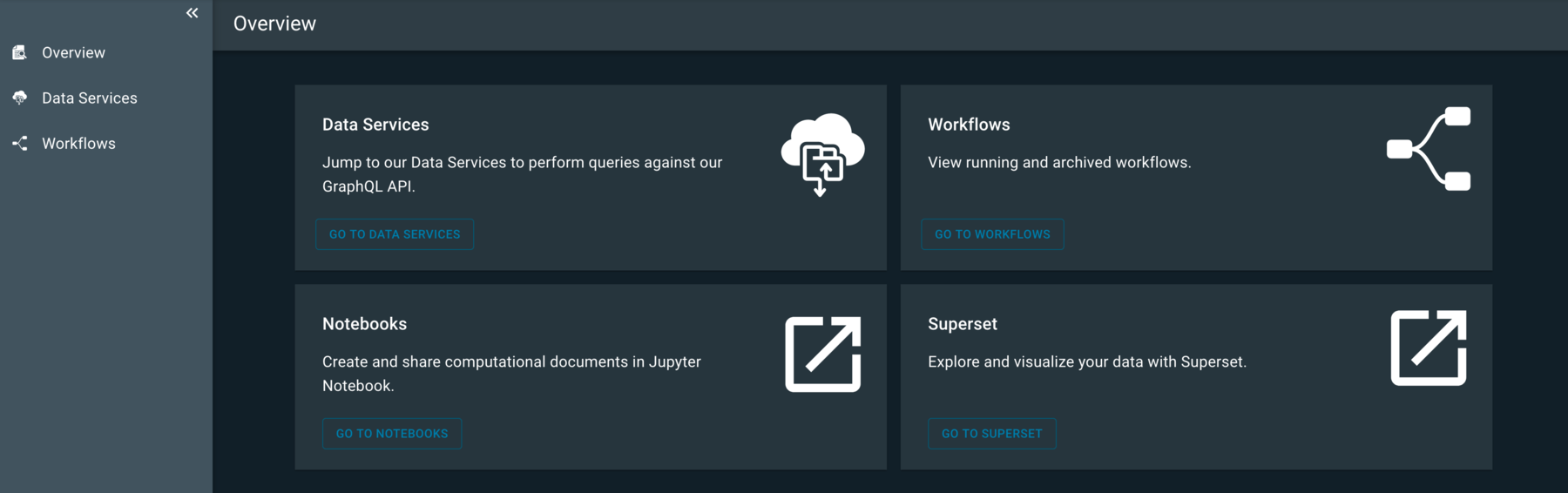
In the Utilihive Console, Datalake refers to a set of tools that provide different ways to interact with the underlying data lake service. The following image shows an overview of these tools:
Ghostwriter
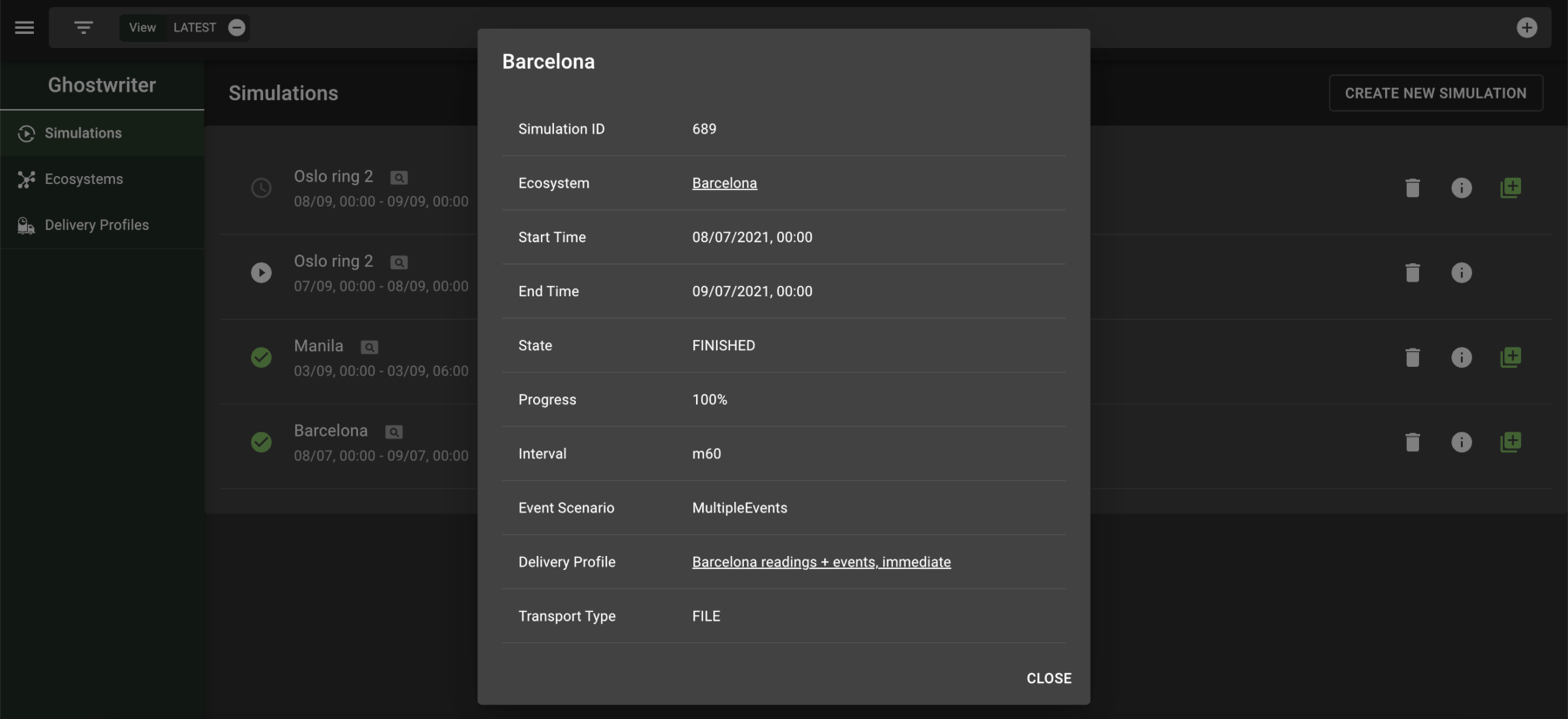
Ghostwriter provides a way to simulate meter readings and events over a set period of time, which are then delivered to a desired flow. The following image displays the results of a finished simulation:
Simulations can be set up to take place in certain timezones and trigger special events like a power outage or corrupt reading. The following image demonstrates creating one of these events:
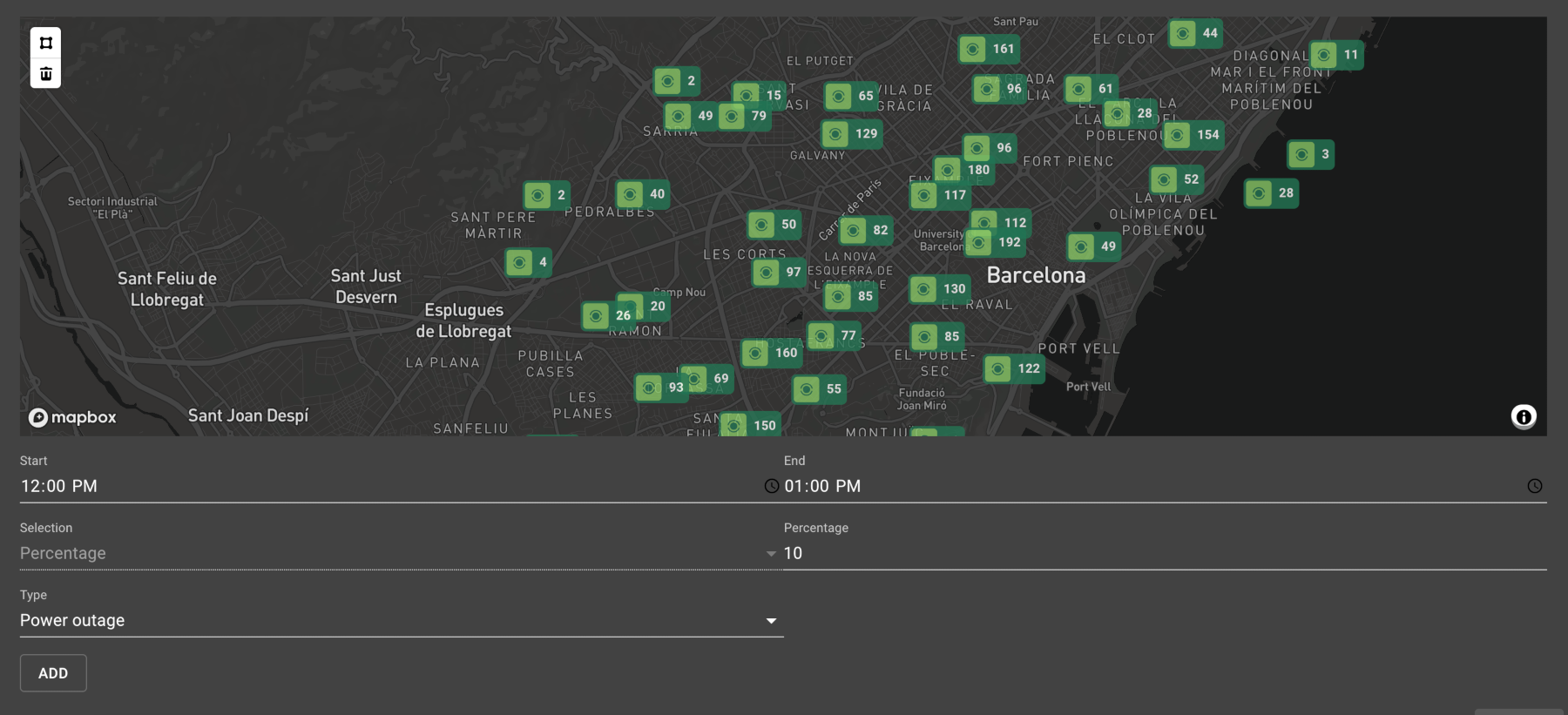
For more information on how to use Ghostwriter, start with the documentation on Simulations.
Utilihive Accelerators
Utilihive is an all-purpose iPaaS, but it also provides specialized accelerators for power utilities. These include the following applications:
| Application | Description |
|---|---|
A data storage and analytics service tailored for utilities. |
|
A feature set for running simulations that generate test readings under different conditions. |
|
Asset Data Repository |
A secondary data storage for managing the status of usage points (e.g., meters). |